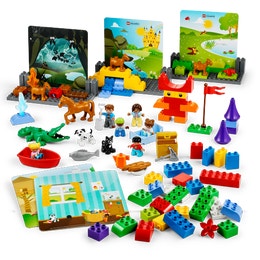
Explore our popular hands-on STEAM solutions for all ages
Learning solutions designed to empower students and teachers, build deeper understanding and engagement, and ignite a life-long love of learning.



.jpg?locale=en-us&auto=webp&format=jpeg&width=1800&quality=90&fit=bounds)
Meaningful learning, extraordinary engagement, and the resources and support to ensure success.
Meeting Standards, Having Fun
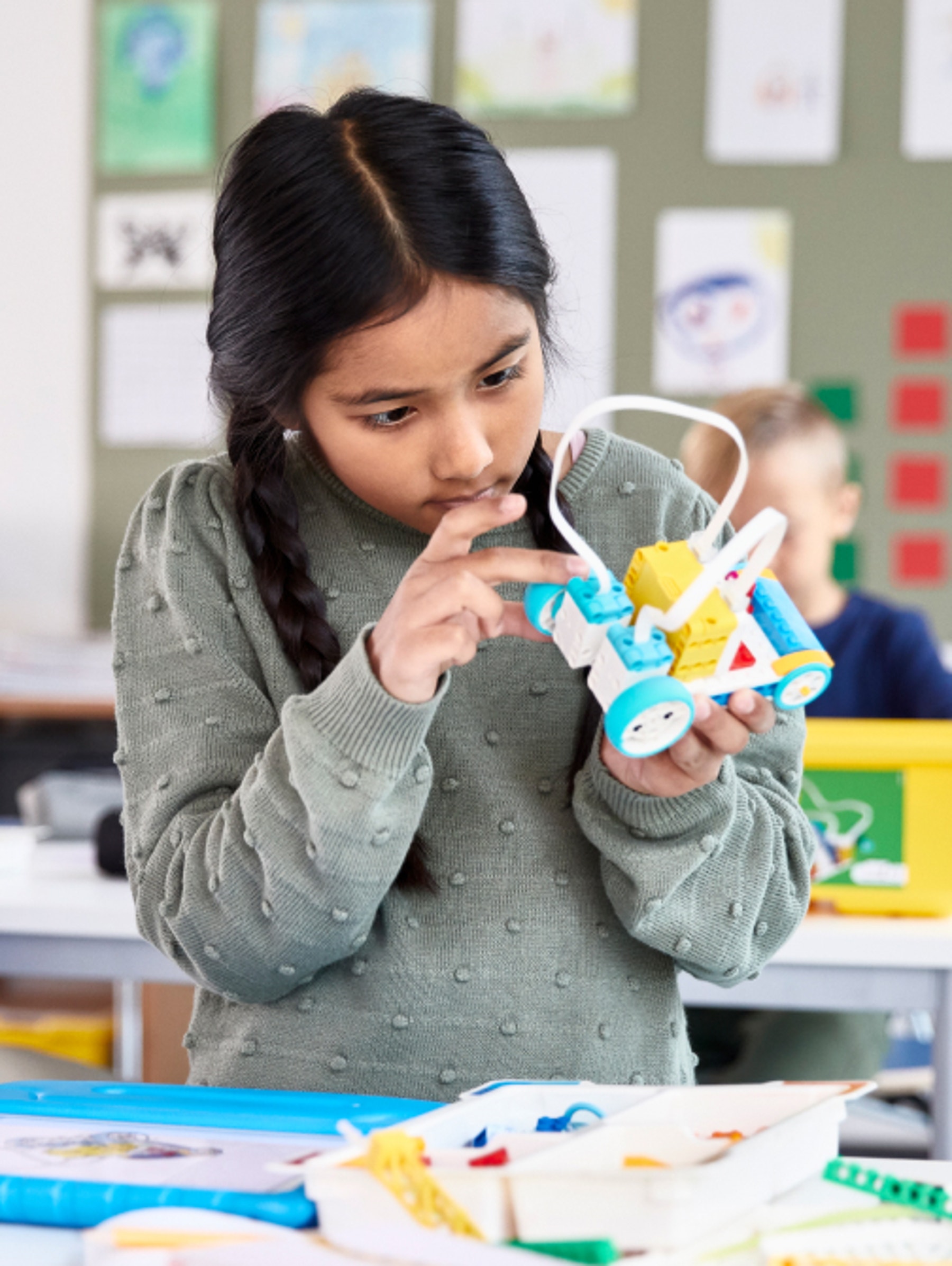
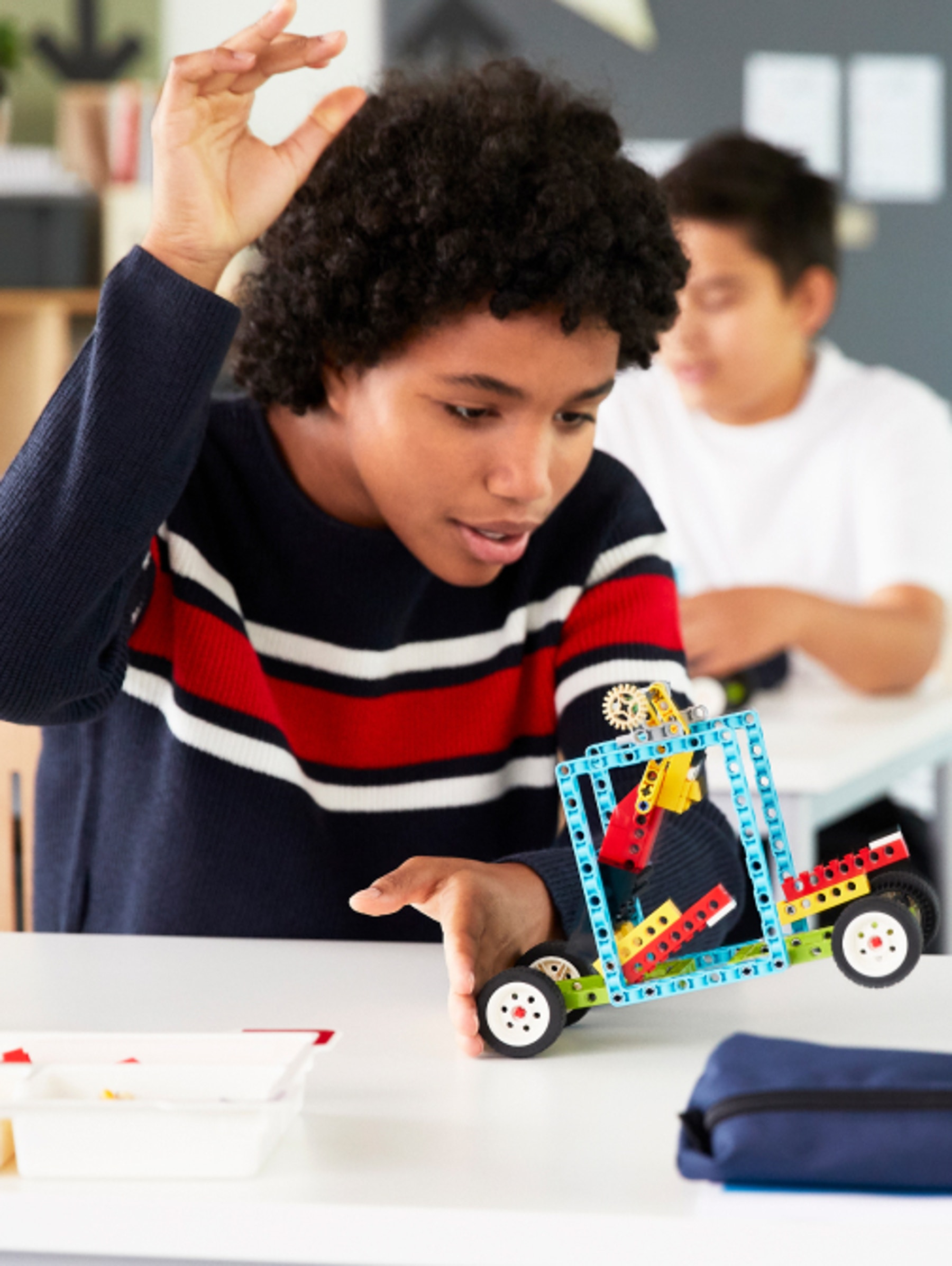
Engaging, standards-aligned lessons that are easy to get started, with the scalability to meet all learners where they are.
Excite, Engage and Inspire
Hands-on playful learning solutions featuring the familiar LEGO® bricks that inspire all types of students to become active learners.
Everything you need to succeed
Built in scaffolding, professional development and a community of like-minded educators ready to support you.
.jpg?locale=en-us&auto=webp&format=jpeg&width=1800&quality=90&fit=bounds)
The future is in their hands
Our new K-8 hands-on science solution connects students to science concepts in a way that's never been done before, unlocking 'aha' moments for all students, supporting teachers with standards-aligned lessons, and engaging the whole classroom.
Pre-K: Pre-school products align to NAEYC and Head Start preschool guidance.
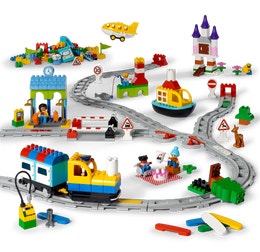
Kindergarten: Coding Express, StoryTales and STEAM Park align to kindergarten standards for Common Core, CSTA and NGSS.
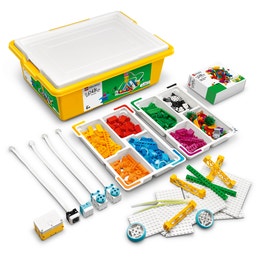
SPIKE™ Essential: Aligned to NGSS, ISTE, and CSTA standards with the extensions aligned to CCSS (Common Core State Standards).
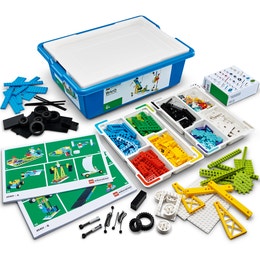
BricQ Motion Essential: Aligned to NGSS, ISTE, Common Core ELA literacy with Common Core math as lesson extensions.
SPIKE™ Prime: Aligned to NGSS, ISTE and CSTA standards with the extensions aligned to CCSS literacy and CCSS math.
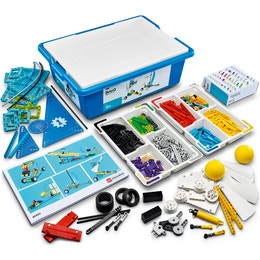
BricQ Motion Prime: Aligned to NGSS, ISTE and CSTA standards with the extensions aligned to CCSS literacy and CCSS math.
“(...) Two of the skills that I think are super important to have in the real world are critical thinking and problem solving. Both of those skills are fostered quite easily through LEGO Education.”

“LEGO Education has changed the way I feel about teaching tremendously. (...) When I introduced the LEGO bricks, all of a sudden, a lot of lights turned on in the classroom. (...) Instead of me pushing information to them, they're pulling from me and pulling from their projects to get their information. They want more.”

“When we think of academic standards, we think of immediately going to that book work. However, by integrating LEGO Education products, it creates this playful balance in your class. We have to remember that these students are still just kids, and one way to get them learning is through play.”



.jpg?locale=en-us&auto=webp&format=jpeg&width=260&height=260&quality=90&fit=bounds)
.png?locale=en-us&auto=webp&format=jpeg&width=260&height=260&quality=90&fit=bounds)